Authentication with credentials using Next-Auth and MongoDB - Part 1
Authentication can be a bit sketchy sometimes as we have to keep so much in mind, like session...
Authentication can be a bit sketchy sometimes as we have to keep so much in mind, like session management, protecting several routes/pages, hashing passwords, validating user's credentials during sign-up and sign-in. Also, creating an authentication from scratch can be a lot of work.
If you're working with Next.JS, then you should try using Next-Auth as it provides many authentication schemes like JWT, cookie, etc. And also using third-party authentication providers like Google, Facebook, and (yes!) even with Discord.
Also, next-auth helps in session management so that the server can't be tricked easily.
Providers aside, we will be looking into setting up authentication based on users' credentials like email and password.
Things to consider during authentication
- Client form validation
- Server form value validation
- Hashing users' passwords during sign-up for the obvious reason
- Storing into a database
- Checking of the hashed password during sign-in
- Protecting routes for the non-authenticated user
- Proper error handling for both frontend and backend
Packages we need
I am using Next.js as the framework for the demonstration.
Along with that
- next-auth for authentication
- bycryptjs for hashing the passwords
- mongodb for MongoDB functions
NOTE
This is not a frontend tutorial so I'll not be covering any notifications on successful events and/or CSS stuff.
Website scaffolding
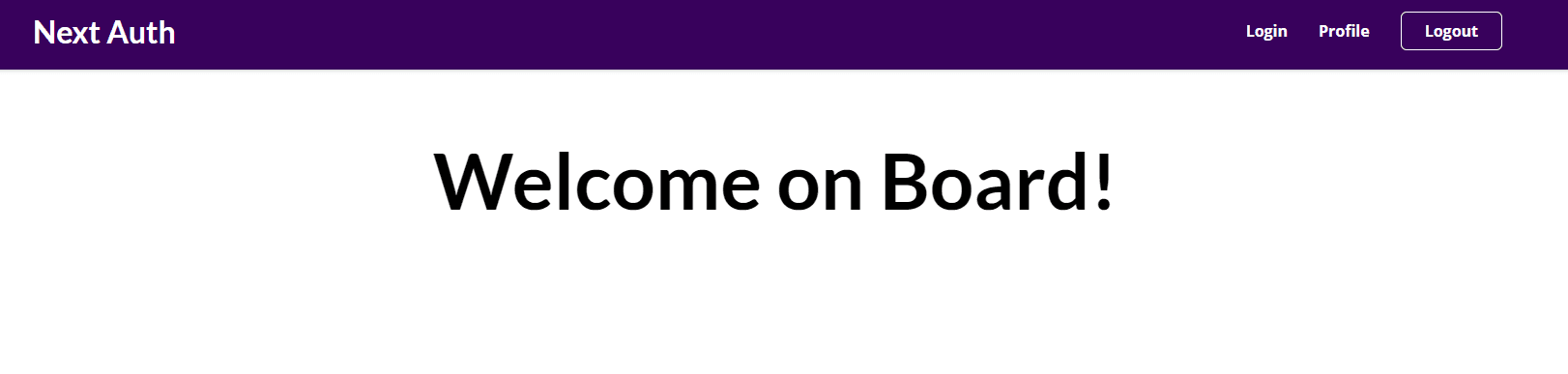
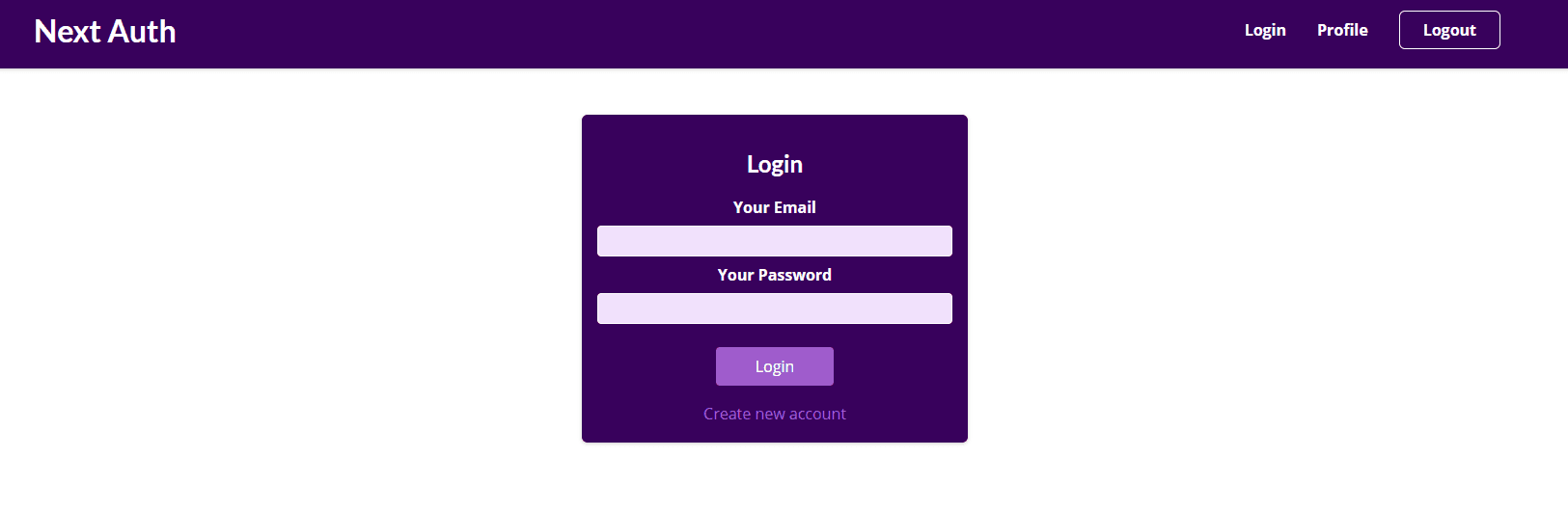
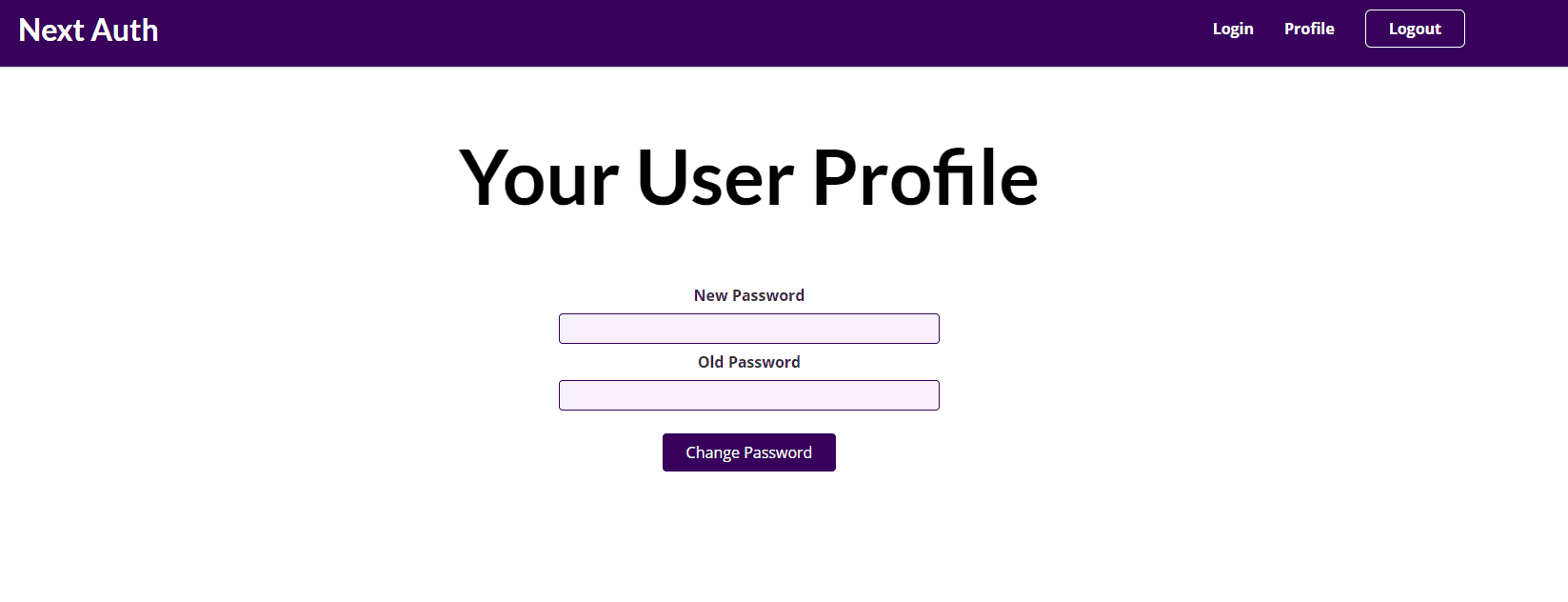
The website is very simple consisting of 4 pages and obviously a navbar for better demonstration:
- Homepage
- Sign In / Sign Up page
- Change password page
Install packages and setting up database
npm i next-auth mongodb bcryptjs
During install, we will sign up for a free MongoDB account on their website.
Now, we can connect to that database using the connect code from their dashboard. We should use the MongoURL from inside of a .env.local file for more refined and secure code.
Sign Up Route
Before sign-in, users need to signup for that particular website. NextJS provides us to write API codes in the pages/api folder using the NodeJS environment. It will also follow the same folder-structured route.
For the sign-up route, we will create a route pages/api/auth/signup.js. We also need to make sure that only the POST method is accepted and nothing else.
Things to do in the signup route
- Get users credentials
- Validate
- Send error code if any
- Connect to database
- Check if any existing user is present with the same email address
- Hash password using bycrypt js
bycrypt js returns a Promise during hashing of password so we need to await for the response.
1password: await hash(password, 12)
2//hash(plain text, no. of salting rounds)
3
- If all goes well, send a response and close connection with the database
1import { MongoClient } from 'mongodb';
2import { hash } from 'bcryptjs';
3async function handler(
Now that our signup route is in place, it's time to connect the frontend to the backend.
Posting Sign Up form
1import { signIn } from 'next-auth/client';
2//...
3const onFormSubmit = async (e) => {
With the Sign Up login in place, let's work with the Sign In logic.
Sign In using Next-Auth
Next-Auth provides us with Client API as well as REST API
The NextAuth.js client library makes it easy to interact with sessions from React applications.
NextAuth.js exposes a REST API which is used by the NextAuth.js client.
We will use both for signing in the users.
To add NextAuth.js to a project create a file called
[...nextauth].jsinpages/api/auth.
All requests to
/api/auth/*(signin, callback, signout, etc) will automatically be handed by NextAuth.js.
With this help from next-auth, we need to implement our own sign-in logic for checking users stored on the database.
Things to do in the sign-in route:
- Configure to use JWT
- Specify provider from next-auth (Credentials)
For more providers, check
- Connect to database
- Check if the user is present
- Send error response if any
- Compare hashed password with the password stored on DB
- Send response
- Close DB connection
In [...nextauth].js:
1import NextAuth from 'next-auth';
2import Providers from 'next-auth/providers';
3import { MongoClient } from 'mongodb';
4